 NEW
NEW

















NetHunt CRM integration with Telegram
Want to unleash the power of messenger-based selling? NetHunt CRM integration with Telegram allows you to turn Telegram chats with leads and customers into CRM records, save every bit of communication history, and send messages directly from within the CRM.
Plan availability:
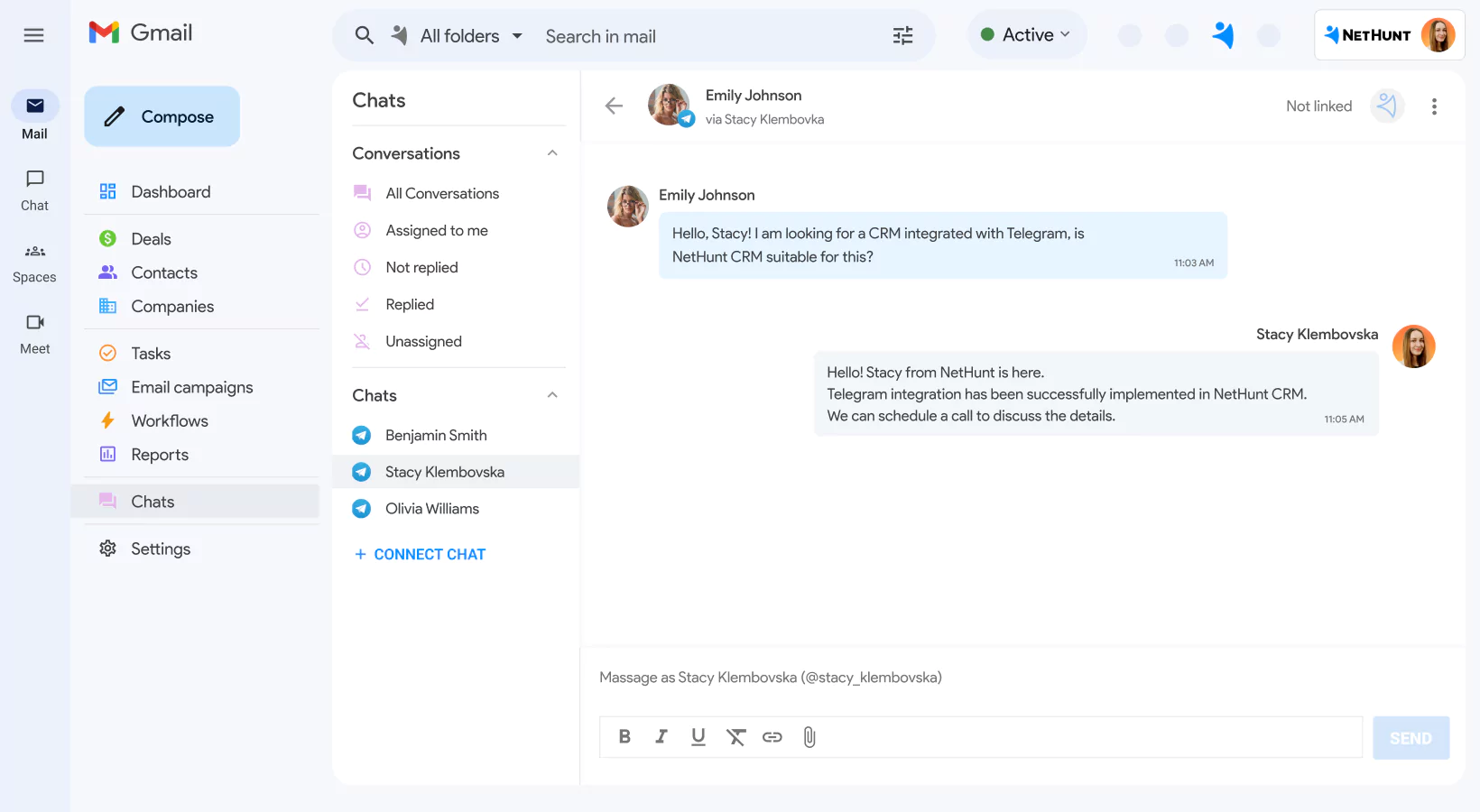
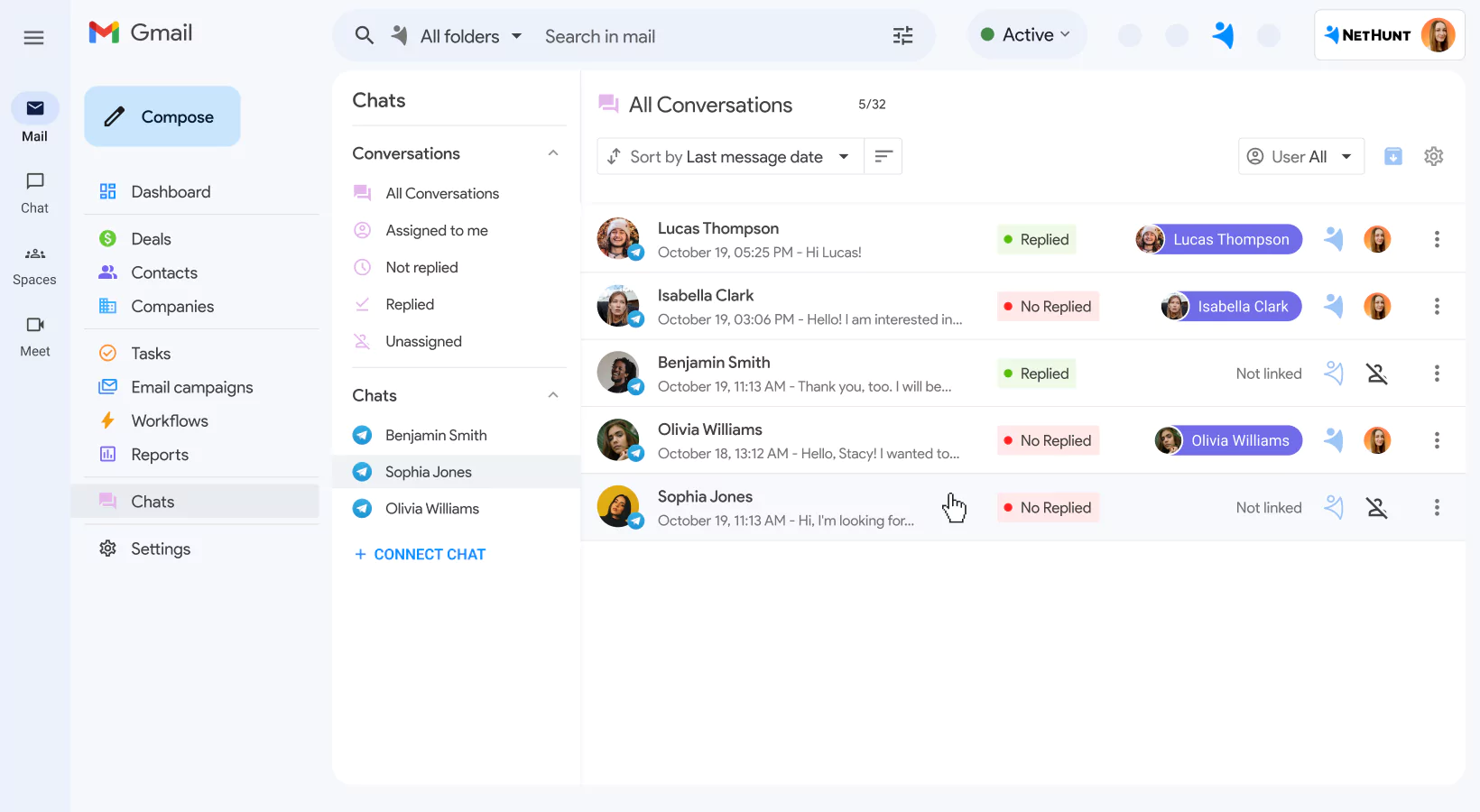
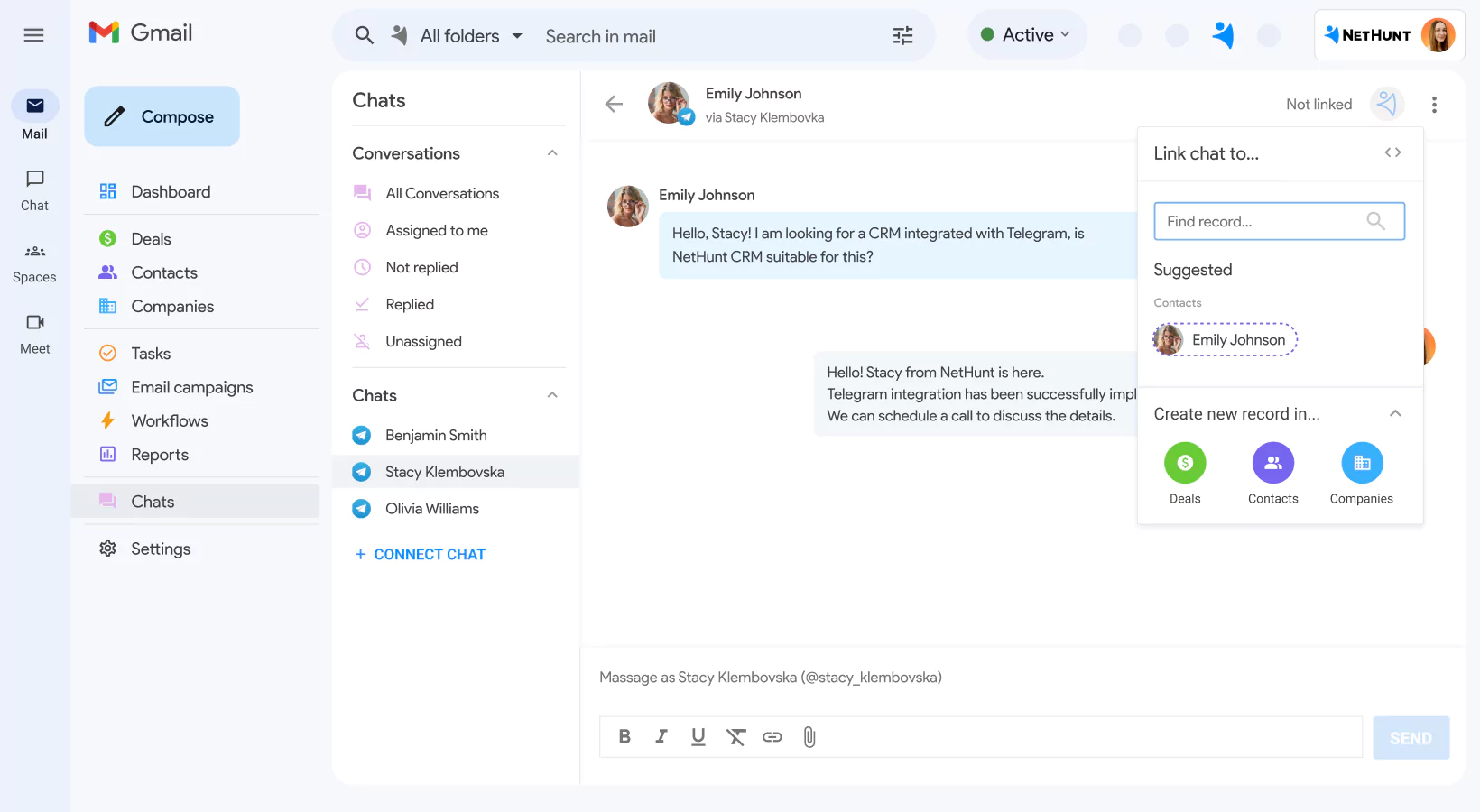
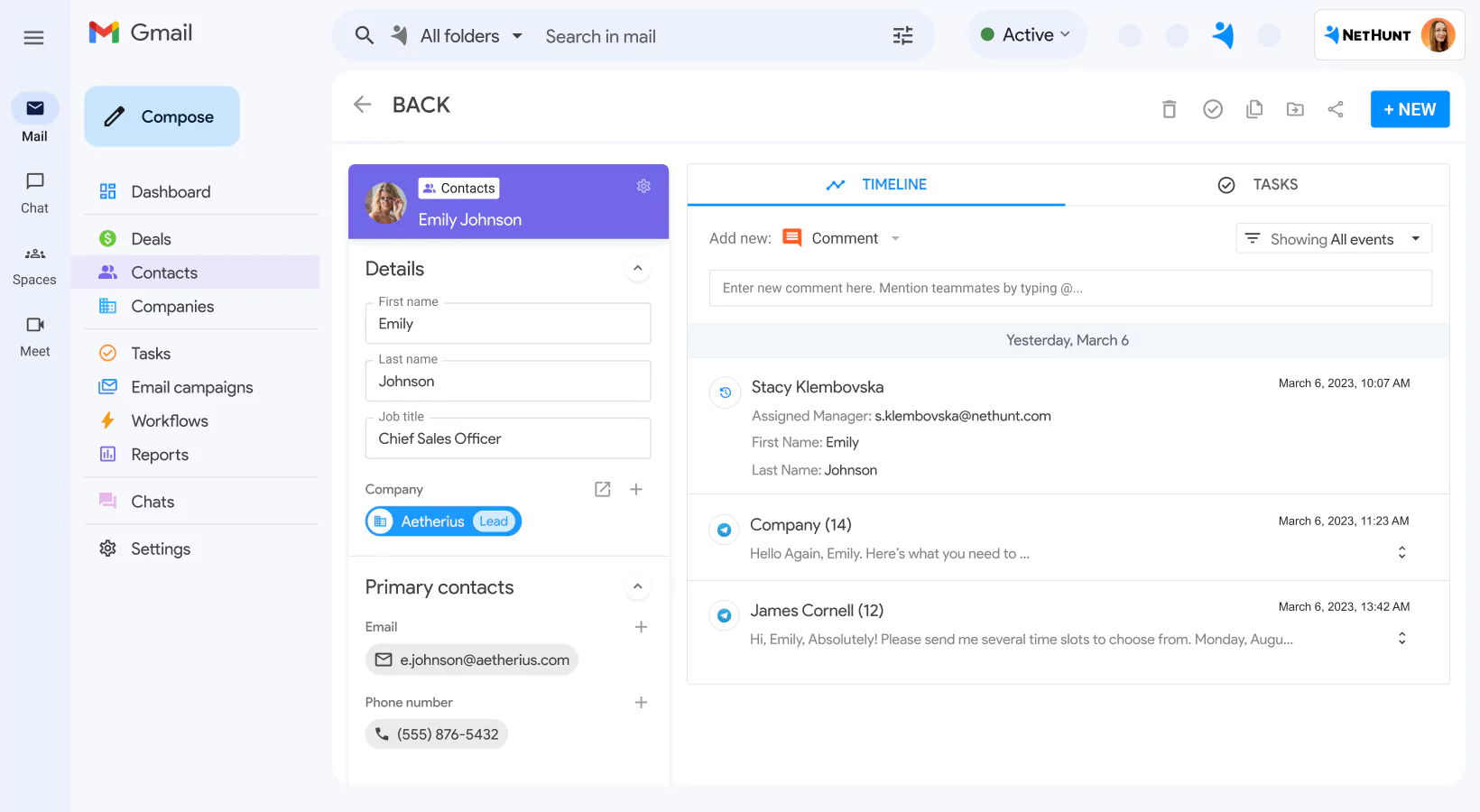
Create customer records from personal and chatbot messages
Don’t worry about manually creating customer records from incoming and outgoing Telegram messages in the CRM. With the NetHunt CRM integration with Telegram, you can turn personal and chatbot chats into customer records and enrich them with publicly available Telegram data in seconds.
Automatically link Telegram messages to customer records in NetHunt CRM
The NetHunt CRM integration with Telegram ensures you won't miss any messages. All incoming and outgoing messages are automatically linked to the corresponding customer record in NetHunt CRM, making them easily accessible whenever you need them.
Respond in Telegram chats without leaving NetHunt CRM
Forget about switching tabs and devices to respond to leads and customers on Telegram. With the integration, you can reply to messages from within the comfort of NetHunt CRM, either from the Chats tab or directly from the customer’s record. The integration supports text messages, images, video, and voice notes!
Give your team members access to the history of chatbot communication
Need to share some details of your communication with leads or customers with the team? The NetHunt CRM integration with Telegram allows you to give access to the history of chatbot communication to your workspace users!

Stream Telecom
Connect with leads through the phone from NetHunt CRM. Sync all the data from calls with NetHUnt for higher conversions.
Read more
Facebook Messenger
Never miss a chat from Facebook. Keep the conversation history linked to your customer profile in NetHunt CRM.
Read more
Intercom
Create new contacts from Intercom chats, update client information and stay in context at all times.
Read more product experts — let's find the best setup for your team