 NEW
NEW







Sales hacks
Multi-channel outreach from the pros: 7 experts share proven strategies and tipsOne sales CRM for every channel.
AI for answers and action.
Every deal has a story. NetHunt is an AI sales CRM that brings emails, messages, calls, and deal history together, so your AI tools work with the full context.

4.8/5 based on over 1,000 reviews

Businesses that grow with us












POWERED BY MCP
AI CRM that works with your AI tools
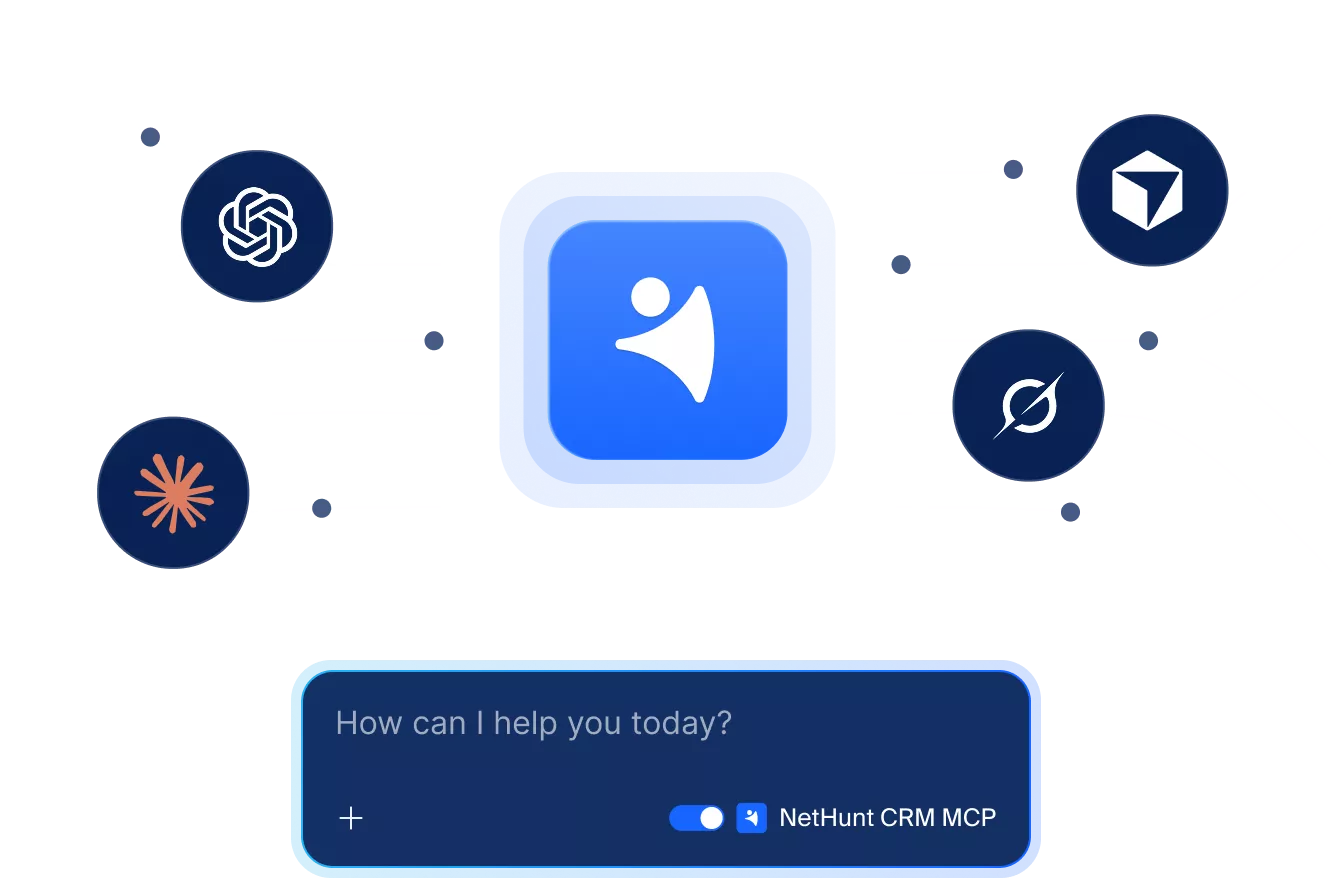
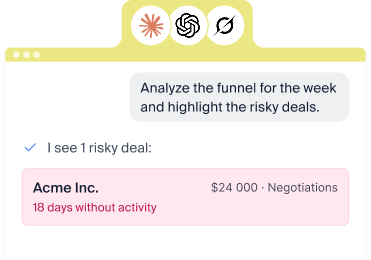
Connect ChatGPT, Claude, or any MCP-compatible assistant to NetHunt in a few clicks. It works with your live pipeline, not exports.
- Ask: What's the latest on the Acme deal?
- Analyze: Which deals over $10k haven't moved in two weeks?
- Update: Move Acme to Negotiation and add a note: they want annual billing.

“I have worked with and implemented some of the best CRM systems available over the past two decades and this is by far the simplest and fastest to use.”
Run the entire sales process from the comfort of Google Workspace
Capture leads from multiple sources.
Nurture and engage with leads effectively.
Track deals visually within your pipeline.
Automate repetitive workflows.
Forecast revenue & track team performance.


All communication channels, one sales CRM
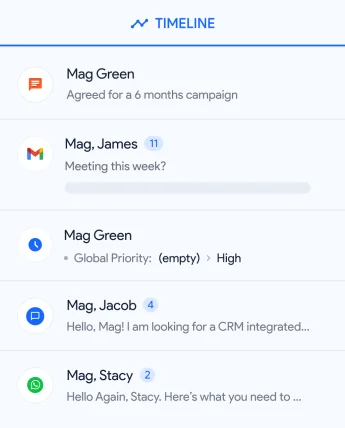
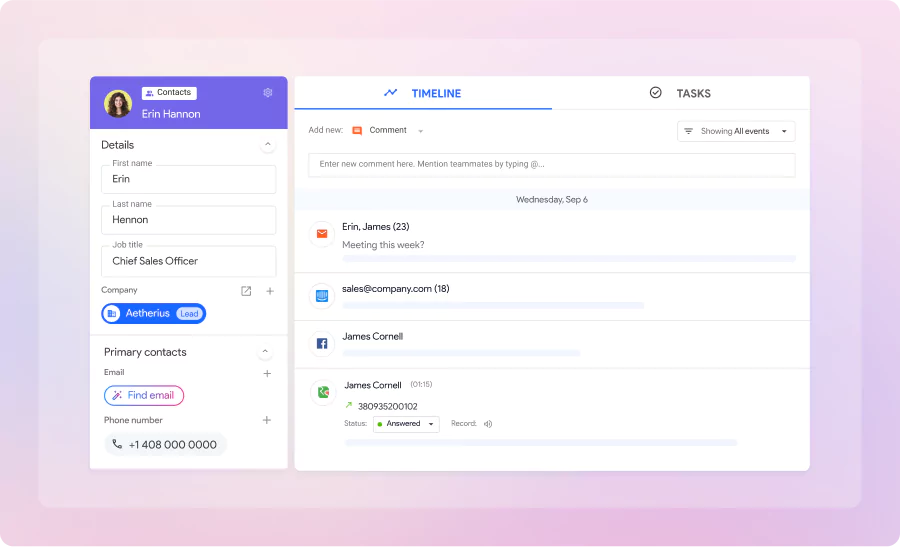
NetHunt CRM for sales teams serves as a communication hub, bringing together email, Professional Network, messengers, phone calls, and other communication channels to manage leads.
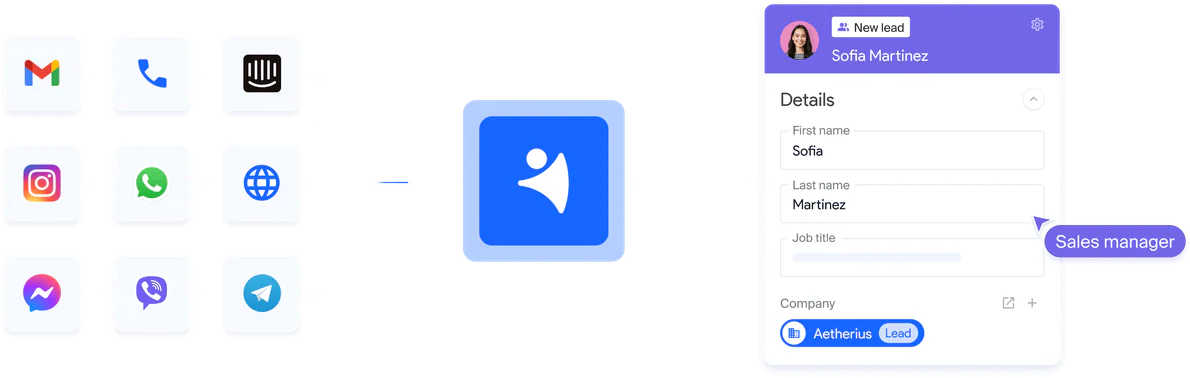
- Capture leads with contact details
- Send and receive messages from CRM
- See messages on customer timeline
Generate
Fill the pipeline with leads
-

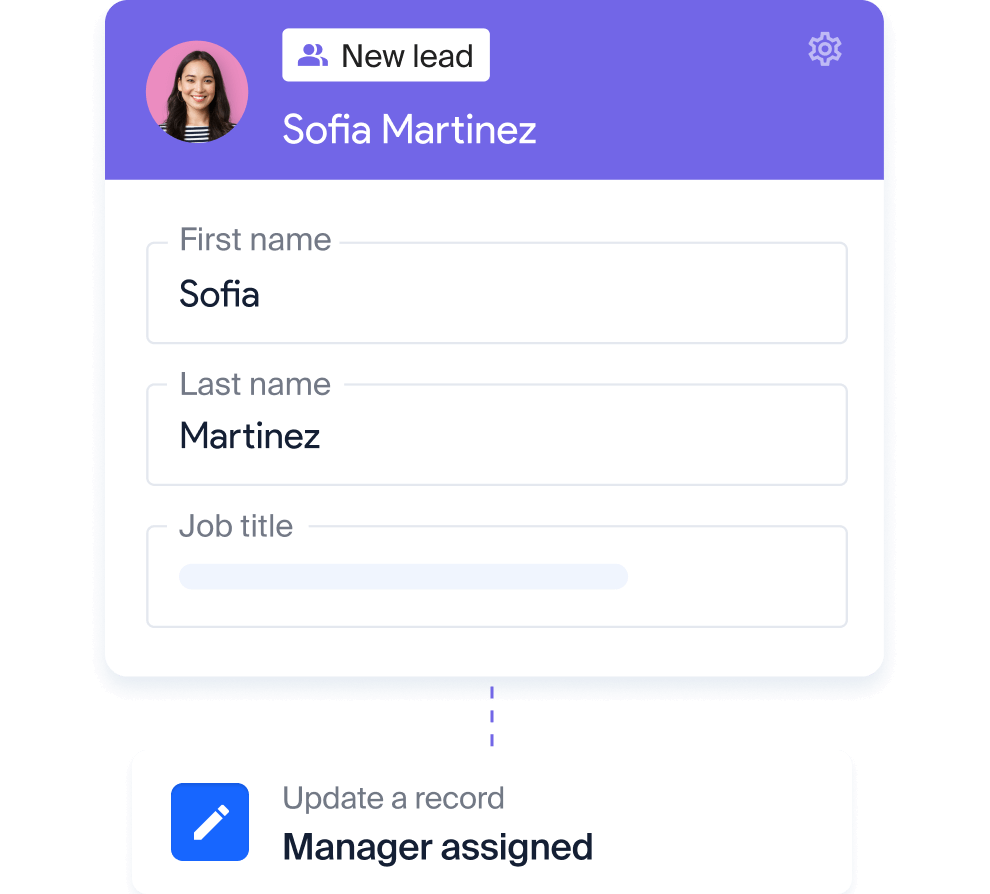
Lead generation Capture leads from website, emails, Professional Network, messengers, social media, and more.
-

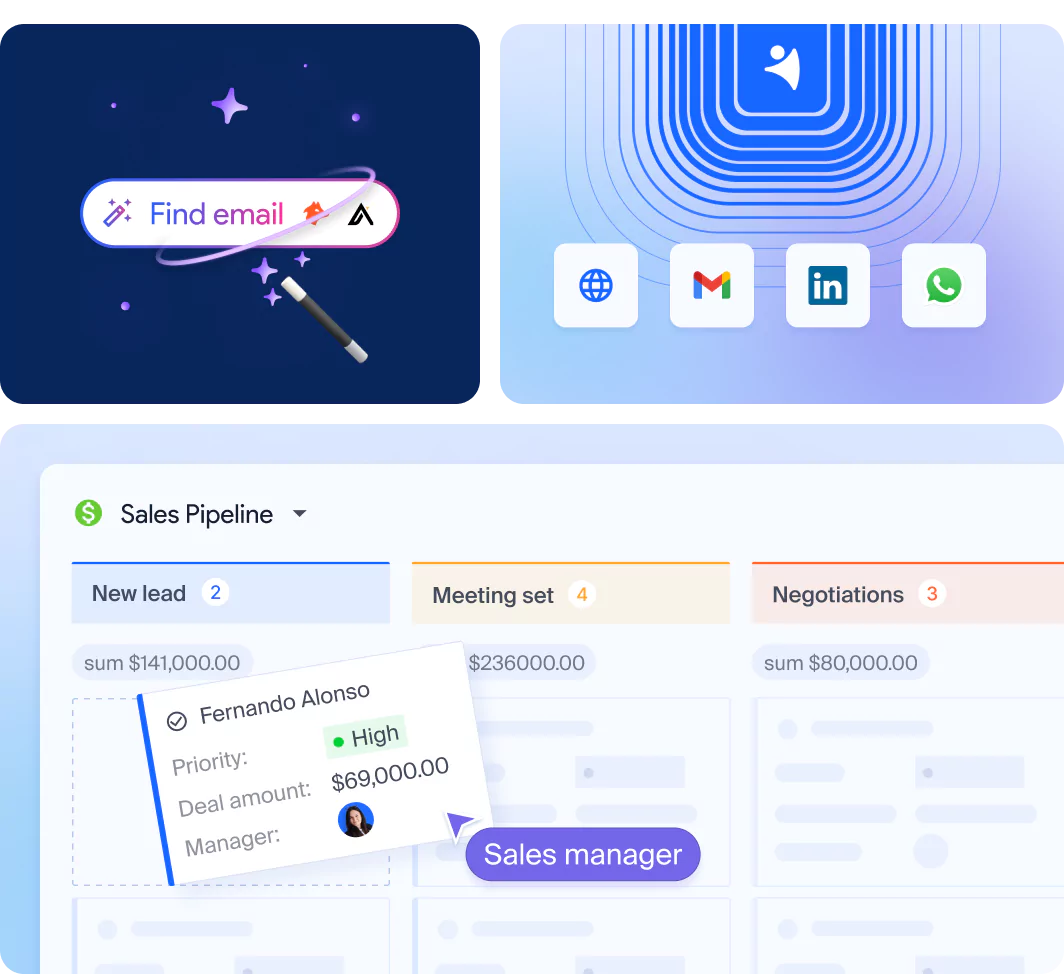
Data enrichment Build comprehensive customer profiles with verified contact details.
-

Sales Pipeline Organize and track deals across every stage of the pipeline, ensuring clarity and focus.
ENGAGE


More about automation
Automate sales routine, close more deals
Being a sales CRM software, NetHunt automates repetitive tasks, helping your team focus on building relationships and closing more deals, all from one platform.
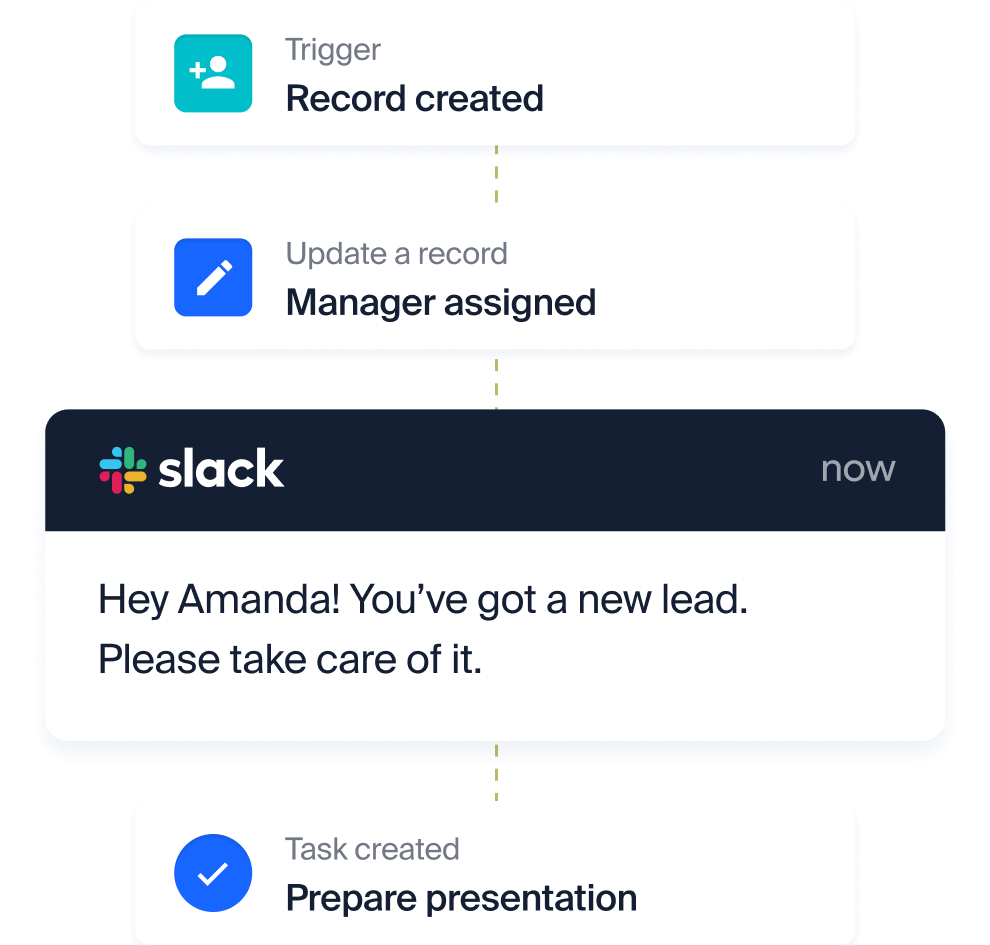
Data entry & lead routing
Automatically capture and route leads to sales managers for faster follow-up.
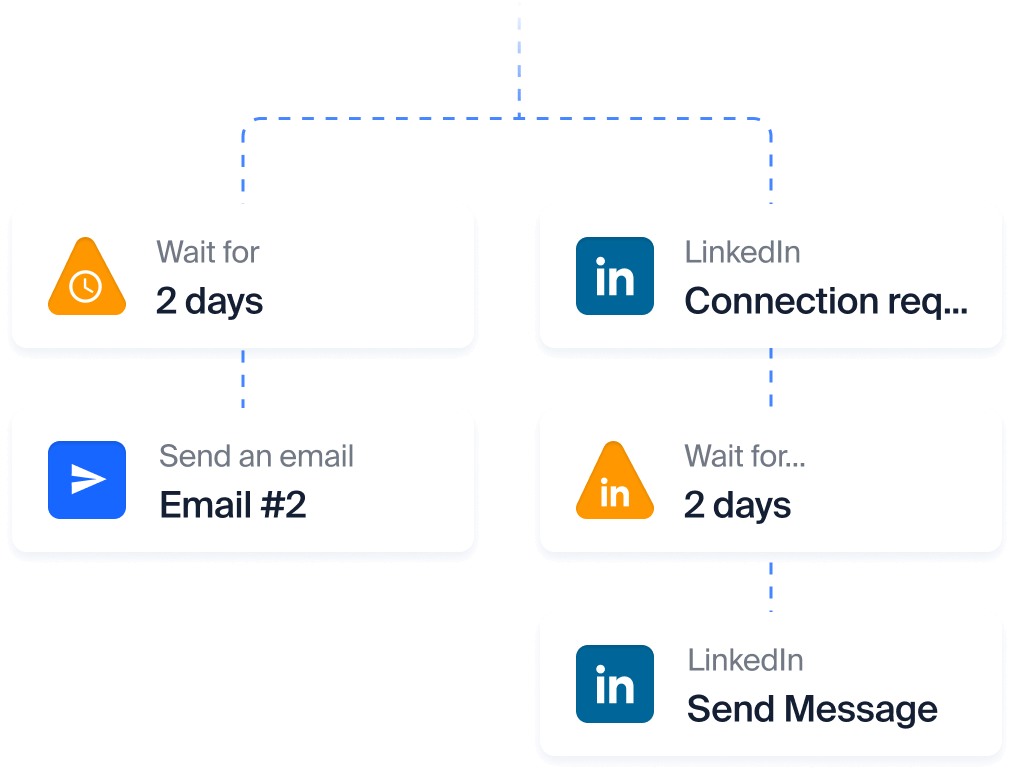
Multi-channel engagement
Combine emails and Professional Network messages to connect with buyers effectively.
Tasks & Notifications
Automate tasks and get alerts for key updates to stay on track.
Templates Personalize emails with any CRM data and save them for quick sending.
Deal stages update Adjust stages of the pipeline based on any trigger event.
Web forms Add custom forms to the website, capture leads, and add them to pipeline.
Event triggers Launch automated actions based on any change in Sales CRM fields or user activity.
Integrations Power workflows across multiple systems for a connected experience.
Webhooks Move real-time customer data from one system to another using webhooks.
Analyze
Analyze, optimize, succeed
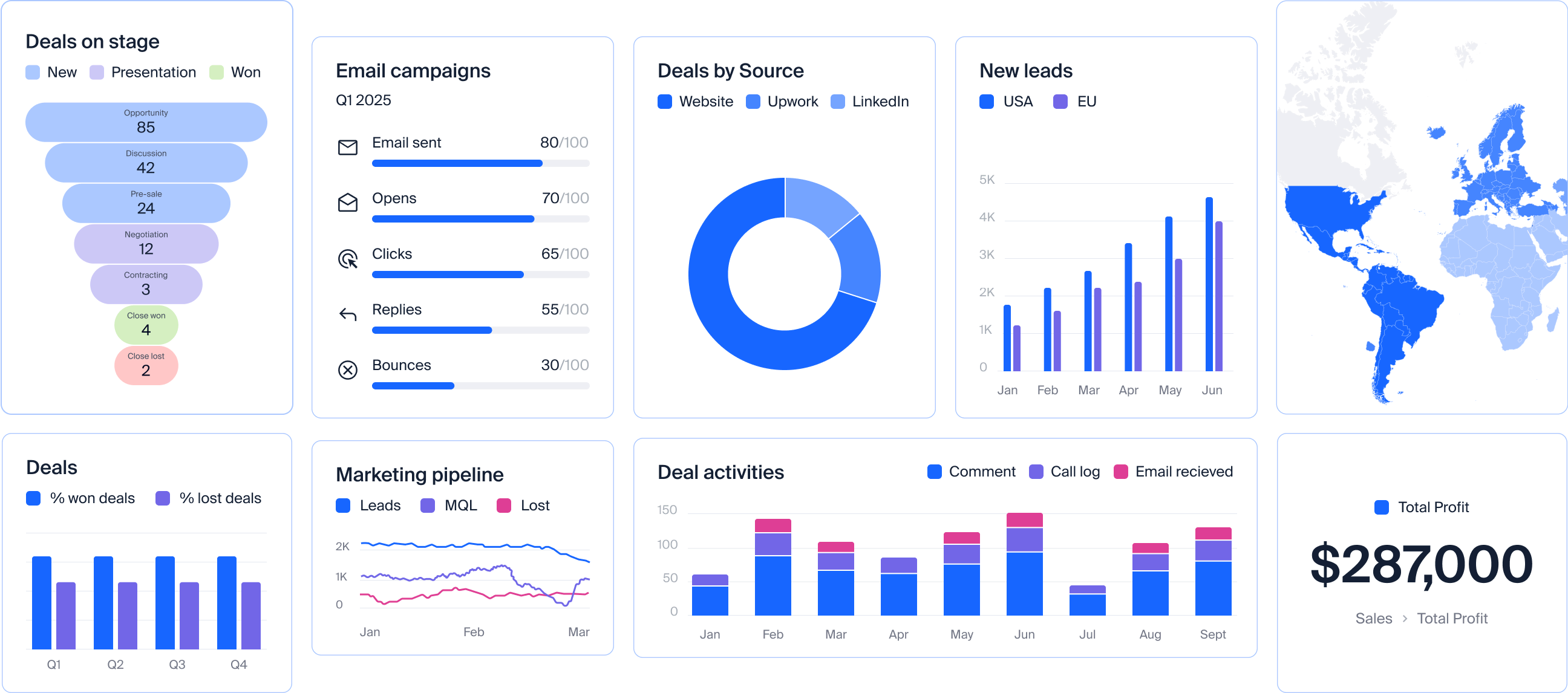
Get the insights you need to adjust your strategy with powerful reporting tools.
- Sales performance analysis
- Revenue forecasts
- Activity tracking per channel and rep
- Best performing lead sources
Why NetHunt CRM?
-
 Chrome Store
-
 Capterra
-
 G2
G2

Turns Gmail into CRM
Unlock CRM features directly in your Gmail inbox. Manage your pipeline, engage with customers, and analyze performance — all in one place.

Easy to use
NetHunt CRM is designed to keep things simple. Sync your email, invite your team, add customers — you're ready to go in minutes.

Ultra-customizable
Tweak any CRM object to fit your business. Modify fields, pipeline stages, views, and automations to match your unique processes.

Multi-channel hub
NetHunt CRM unites every sales channel you use to ensure you have the entire history of communications to close deals with confidence.

Works with your AI tools
An AI sales CRM without a new assistant to learn. Connect the AI your team already uses.
A platform you can trust
All customer stories
These businesses chose NetHunt CRM and never looked back

Agency

x5 New clients in 2 years
With the combination of email automation and being able to see the stage of every lead in the pipeline, we can generate up to 25 more high-quality leads per month.

Growth Marketing Manager

Tech

Using it for new clients and fundraising
It's crazy easy to use, and I can tweak it just the way I want. Been using it for new clients and fundraising. If you're in a startup, seriously, you have to try it.

CEO

Agency

Best Google Workspace CRM
Very easy to use, and not much to the setup.
We can manage all of our CRM, project, event, and client information from right inside Gmail. It’s become the center of our operations.

Digital Marketing Manager

Construction

60 hours saved per month with automations
We’ve automated several processes, such as ordering steel parts. This reduces human effort and errors, saving us time and money. This has allowed us to scale up production without additional staff.

CEO & Founder

Ad tech

+45% SQLs with NetHunt’s Workflows
With NetHunt, we have a hand on the pulse of exactly what is happening in our leads’ worlds, which channels bring us revenue and where we are losing opportunities in our pipeline.

Sales Executive
Integrations to connect every tool you use
CRM for sales should bring all your tools together to serve as the heart of your business processes.
See all integrations Gmail
Gmail
 Google Workspace
 Apollo
 Facebook
 WhatsApp
 ChatGPT
 Instagram
 Slack
Slack
 Zapier
 Hunter
 Intercom
 Claude
Blog highlights
Expert tips to strengthen your sales strategy


CRM Essentials
What Is a CRM? A Complete Guide to CRM Software
Questions you may have
Sales CRM FAQs
What is NetHunt CRM?
NetHunt CRM is a powerful sales CRM that transforms Gmail into a fully functional customer relationship management tool through its native integration. It helps businesses manage sales, track deals, automate workflows, and monitor team performance. By unifying sales channels like Gmail, Professional Network, WhatsApp, Instagram, and VoIP into a single platform, NetHunt CRM drives sales growth effectively.
How does NetHunt CRM work?
NetHunt is a CRM for sales team that simplifies processes, enhances collaboration, and boosts productivity. It provides all the tools you need to manage sales efficiently, making it easier to track leads, close deals, and achieve sales goals. Here's how it works:
- NetHunt connects with Gmail, Professional Network, WhatsApp, Instagram, and VoIP, consolidating all conversations in one place. This eliminates the need to switch between platforms, ensuring no lead or interaction is missed.
- With customizable pipelines, NetHunt CRM helps you track every stage of the sales process. From lead capture and qualification to deal closure, you can monitor progress and ensure a consistent workflow.
- NetHunt automates repetitive tasks like follow-ups, lead scoring, and data entry, freeing up your sales team to focus on selling.
- The CRM enables sales teams to work collaboratively by providing shared access to customer data, activity histories, and tasks.
- Whether you're managing inbound leads or running outbound campaigns, NetHunt CRM handles it all.
How to set up NetHunt CRM?
Setting up NetHunt CRM is simple and intuitive. Follow these steps to get started with managing your sales pipeline and automating processes:
- Sign up for a NetHunt CRM account.
- Install the NetHunt Chrome extension and connect it to your Gmail account.
- Import your current contacts, deals, or customer data into NetHunt CRM or start fresh by capturing new leads from various channels.
- Customize your CRM workspace by creating pipelines, adjusting customer records and setting up automated workflows.
- Invite your team members to the workspace and assign appropriate permissions to enhance collaboration and ensure secure access.
- Create reports and dashboards to track key sales metrics, evaluate team performance, and refine your strategies to achieve better sales outcomes.
- Start managing your sales process directly within Gmail and across other integrated channels.
What is a sales CRM?
A sales CRM (CRM for sales) is a software designed to help sales teams manage customer relationships, track interactions, and optimize sales processes. Sales CRM software centralizes customer data, automates repetitive tasks, and provides actionable analytics, enabling sales teams to improve performance, adjust strategies, and close more deals.
How does CRM help sales?
CRM helps sales by:
- Capturing data from multiple sources to ensure no lead or opportunity is missed.
- Centralizing customer information in one platform, making it easy to access and manage.
- Storing all interactions and updates made by sales managers, keeping a detailed history of every deal.
- Tracking leads and automating follow-ups to ensure timely communication and progress.
- Improving team collaboration and communication by providing shared access to data.
- Identifying opportunities and bottlenecks through powerful insights and reporting.
- Boosting productivity with automated workflows, allowing sales teams to focus on closing deals.
Which CRM is the best for sales?
The best CRM for sales depends on your business needs. NetHunt CRM is an excellent choice for sales teams because it seamlessly integrates with Gmail and other communication channels like Professional Network, WhatsApp, and VoIP. With powerful automation, flexibility to adapt to your sales process, and ease of use, NetHunt CRM helps teams streamline workflows and close more deals.
How do I get my sales team to use CRM?
CRM is a software for sales teams so it’s crucial to achieve high adoption rates. To encourage your team to adopt CRM:
- Choose a user-friendly CRM like NetHunt, which integrates with their existing tools (e.g., Gmail).
- Provide training and resources to help the team understand the CRM's benefits and features.
- Show how the CRM simplifies their workflow by automating tasks and reducing manual data entry.
- Involve the team in the CRM setup by customizing it to match their workflow and sales process.
How will the NetHunt CRM solution help me improve sales?
NetHunt CRM improves sales by:
- Centralizing all customer interactions from Gmail, Professional Network, WhatsApp, and other channels into one platform.
- Automating sales processes, saving valuable time and reducing repetitive tasks.
- Providing actionable insights with real-time reporting and analytics to optimize strategies.
- Enhancing team collaboration and ensuring no lead slips through the cracks.
Can I use NetHunt as an AI CRM?
Yes. NetHunt CRM connects to MCP-compatible AI tools, allowing you to ask questions about your sales data, analyze your pipeline, and create or update records through the connected tool. The AI assistant is provided by the tool you choose.
 product experts — let's find the best setup for your team