 NEW
NEW


















NetHunt CRM integration with HelpCrunch
Connect HelpCrunch to NetHunt CRM to receive customer inquiries and reply from your CRM workspace. Link conversations to contacts, companies, deals and other records, so your team has the context they need for every response.
Plan availability:
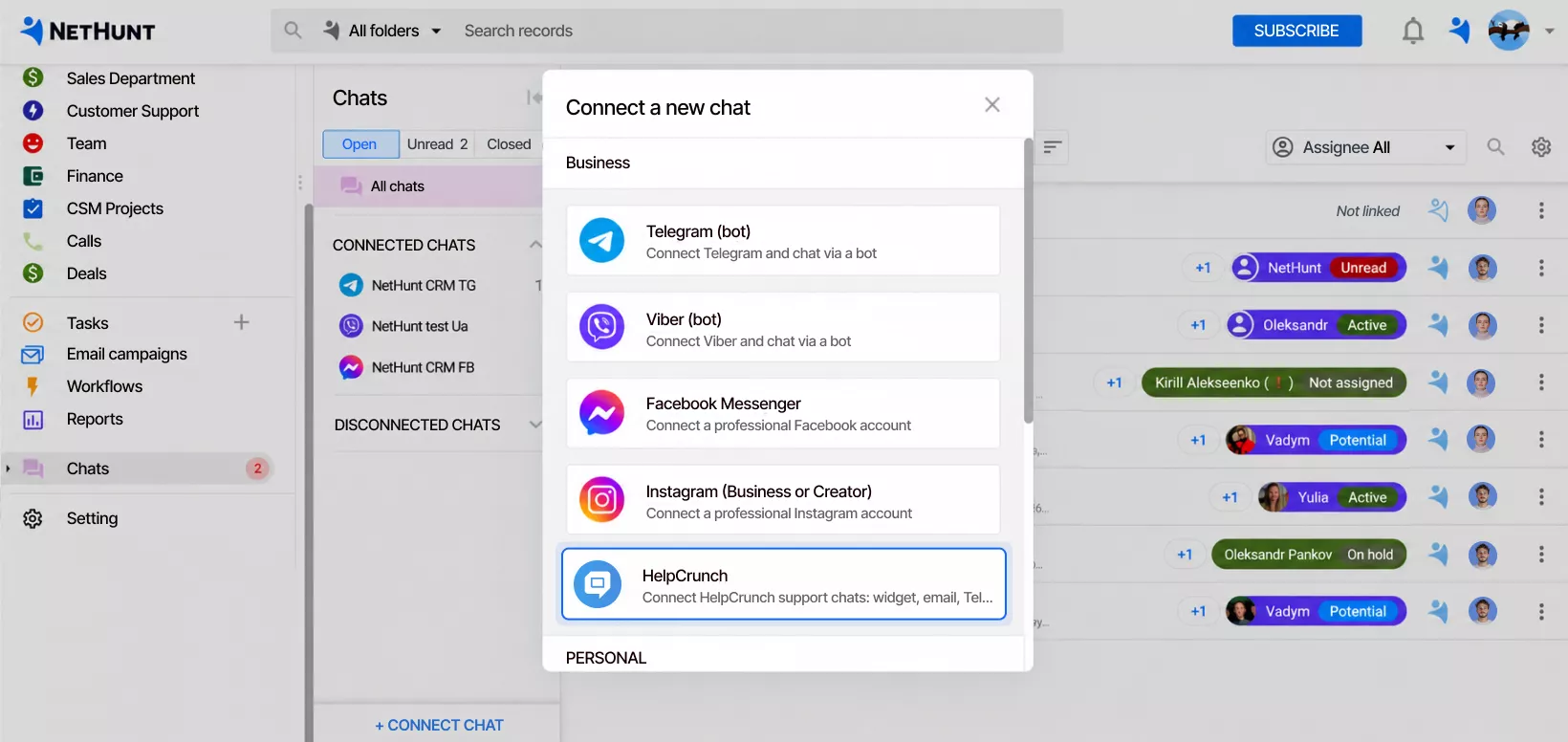
Reply to customers directly from your CRM
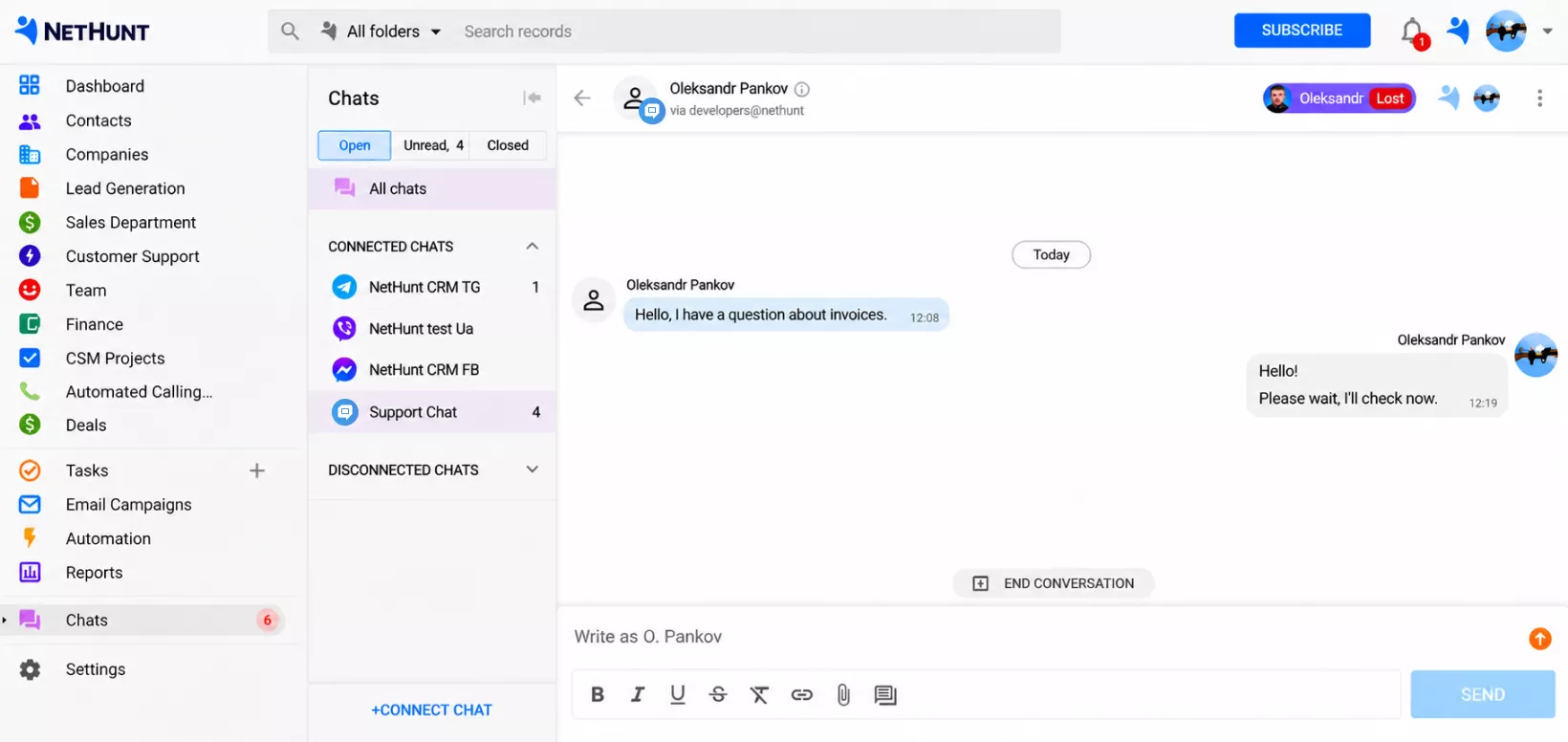
Receive HelpCrunch conversations in NetHunt CRM’s Chats section and respond as a HelpCrunch agent. Format your messages, add links and use saved reply templates to answer common questions faster.
Keep conversations connected to your deals
Link HelpCrunch chats to contacts, companies, deals or other CRM records. Conversations appear in each record’s activity history, helping your team review previous exchanges before reaching out.
Turn new conversations into sales opportunities
Create CRM records for new customers directly from HelpCrunch chats. Assign them to sales managers and add them to your sales pipeline, with the conversation history available for the next step.
Manage customer conversations in one place
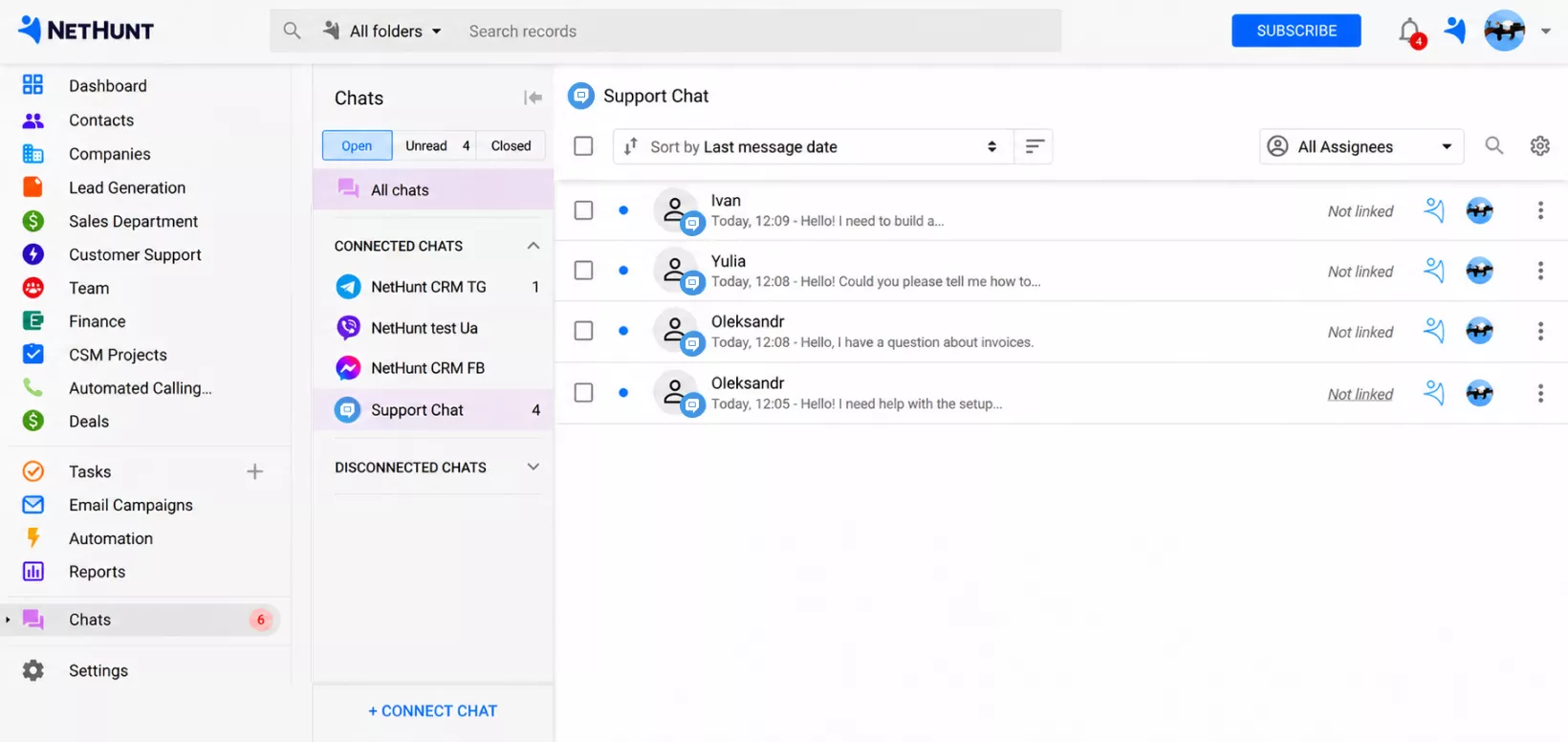
Mark chats as unread, mute notifications and close conversations directly in NetHunt CRM. Open a conversation in HelpCrunch when needed, delete it or select several chats to update them at once.
Find the conversations that need attention
Filter chats by status or assigned HelpCrunch agent. View open, unread or closed conversations, and sort them by the latest message to find the exchange you need.
Automate customer replies with AI
Use HelpCrunch AI agents to handle common questions around the clock and hand conversations over to a human agent when they need help. The AI editor turns a few words into a complete, professional reply.
Control your team’s access to chats
Set permissions for individual users and roles to view conversations, send messages or manage chat settings. Choose whether users can see all conversations, only their own, or their own and unassigned chats.

 product experts — let's find the best setup for your team